
Some children love the tiny details in a painted woodland. Others are drawn straight to a cartoon character’s big expression. Both can become a beautiful storybook. Here is how to choose between them.
One familiar face. Two ways to tell their story.
A useful comparison starts with the same photo. Otherwise, it is hard to tell whether you prefer the illustration style, the character or simply the picture itself.
Here, Mia’s familiar features are interpreted in both styles. Compare the characters side by side, then use the controls to see a story scene and the finished book in your preferred style. Leo’s example is available too.
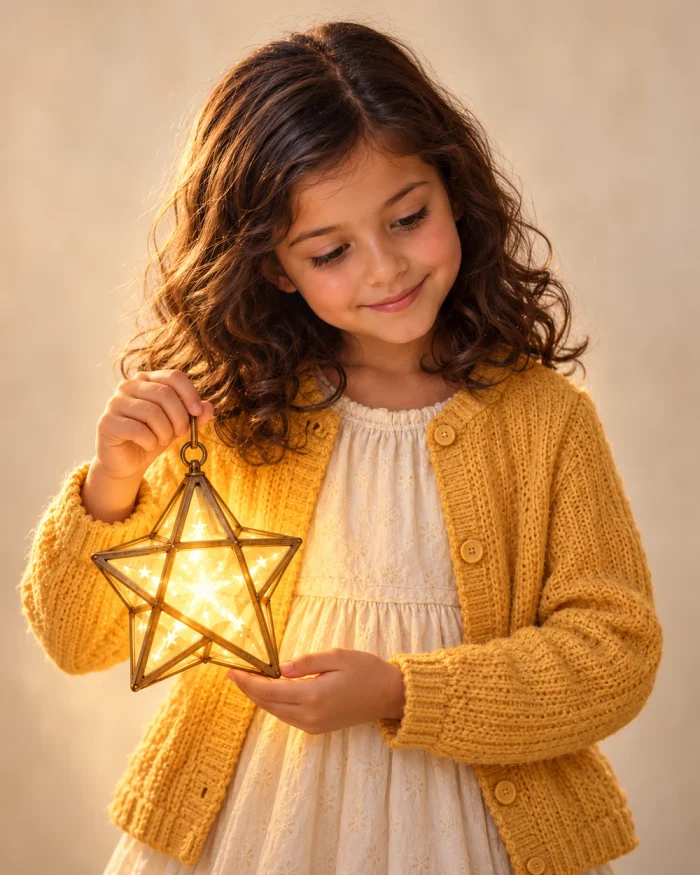
Realistic
Painted detail, lifelike features and gentle light.
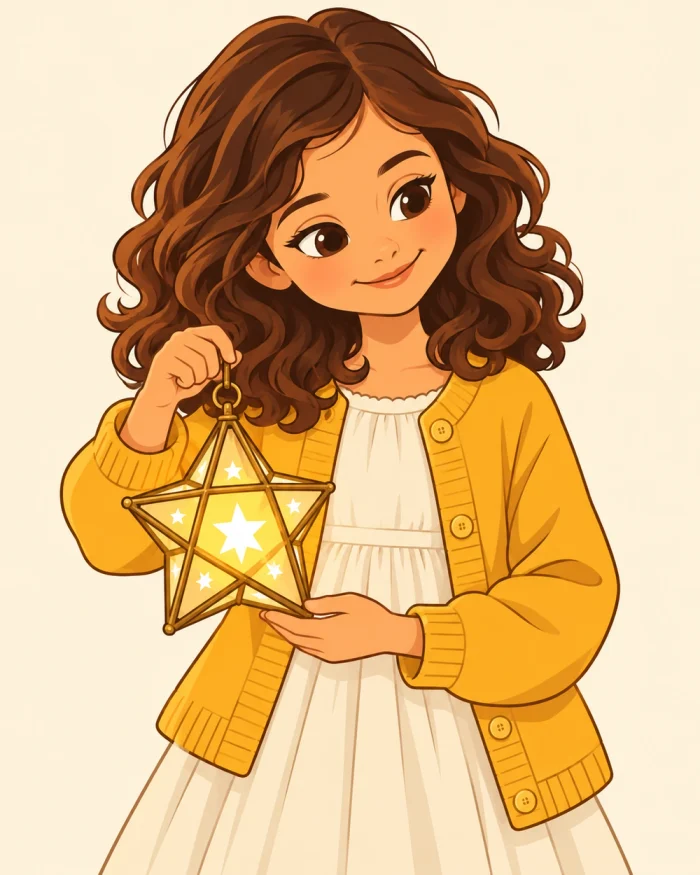
2D cartoon
Clear outlines, simplified shapes and playful expression.
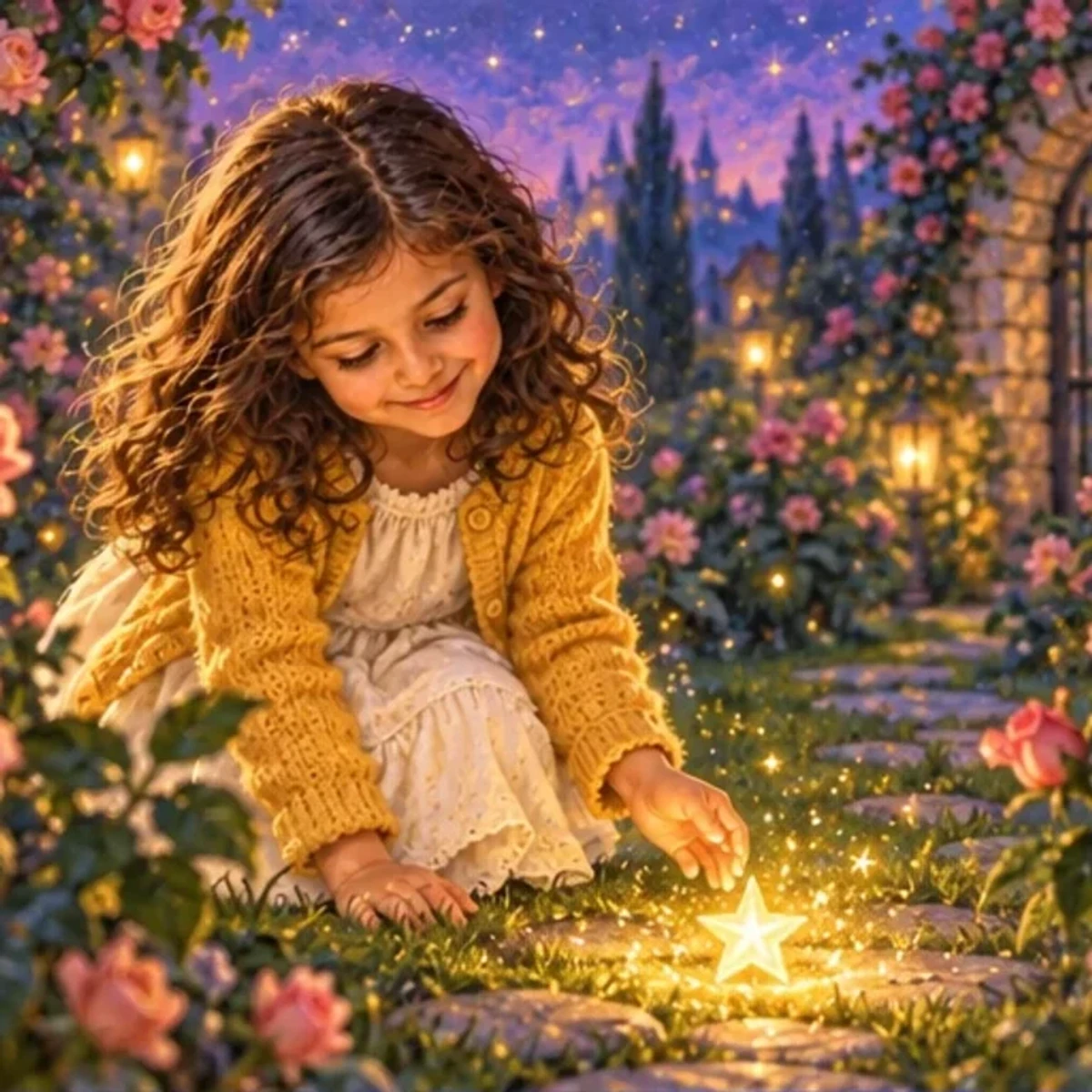
See it inside the story.
Your selected style: Realistic. The setting and character share the same illustration style.
Fictional demonstration: Mia. Your own book is created from your chosen photos and approved character.
Realistic: a painted world, rich in detail
Realistic illustration has a lifelike, painted finish. You can see texture in the hair and clothing, gentle light across the face and detail throughout the scene. It can suit someone who loves looking closely at picture books.
“Realistic” describes the illustration style. The character is still an artistic interpretation, rather than an untouched photograph placed over a background. The preview lets you see that interpretation before approving it.
2D cartoon: expressive, bright and playful
Cartoon illustration makes a different choice. Stronger outlines, simplified shapes and expressive faces create a clear, playful character. It should feel visibly different from the realistic example, while keeping the connection to the same child.
Look beyond the character portrait. Explore a full scene to see whether you like how that style handles the setting, the supporting characters and the mood of the adventure.
Let their favourite books guide you
Put two or three of their favourite picture books beside each other. Notice what they point to: the expressions, the colours, the little details, or the atmosphere. That is often a more helpful starting point than deciding which style is “better”.
If the book is a gift, think about the child’s taste as well as your own. A dedication in your words can make either version feel just as thoughtful.
Follow your choice through the whole book
The character, story illustrations and cover should feel like one coherent adventure. In the interactive example, changing the style updates the character, story scene and reading photo together.
Choose a style you enjoy, then take time with the character preview. The right choice is the one that feels like a story they will want to open.
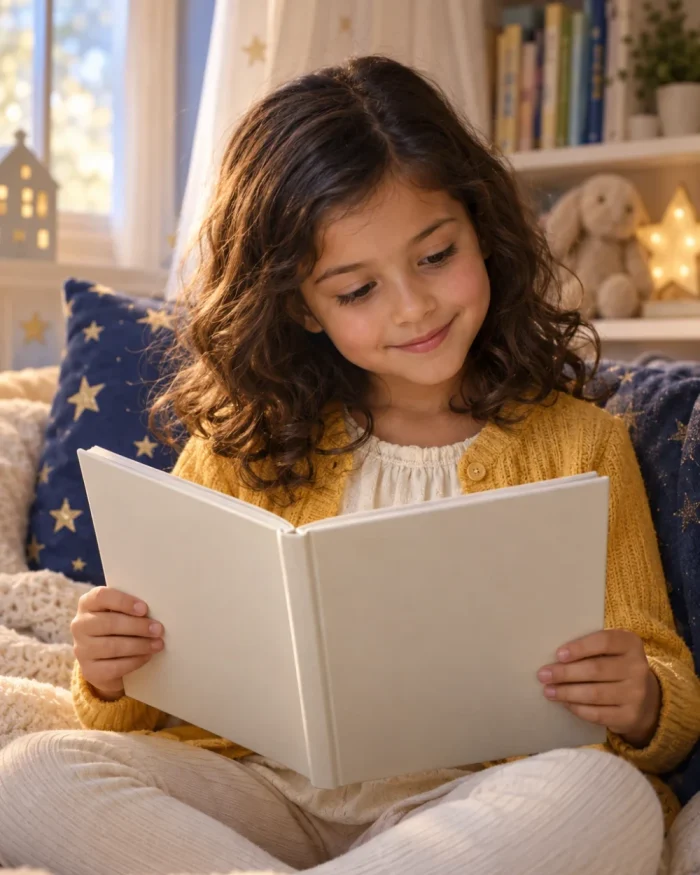
Fictional demonstration: Mia. Your own book is created from your chosen photos and approved character.
A few helpful answers
Will the original photo change when I choose a style?
No. The comparison keeps the same starting photo and changes the illustrated character, scene and cover.
Can I see both styles before deciding?
You can compare the fictional examples on this page. Your own character preview is created in the illustration style you select.
See what makes their book personal
Follow the same fictional child from the starting photo to the illustrated character, their adventure and the finished book. Choose a style, then start your own.
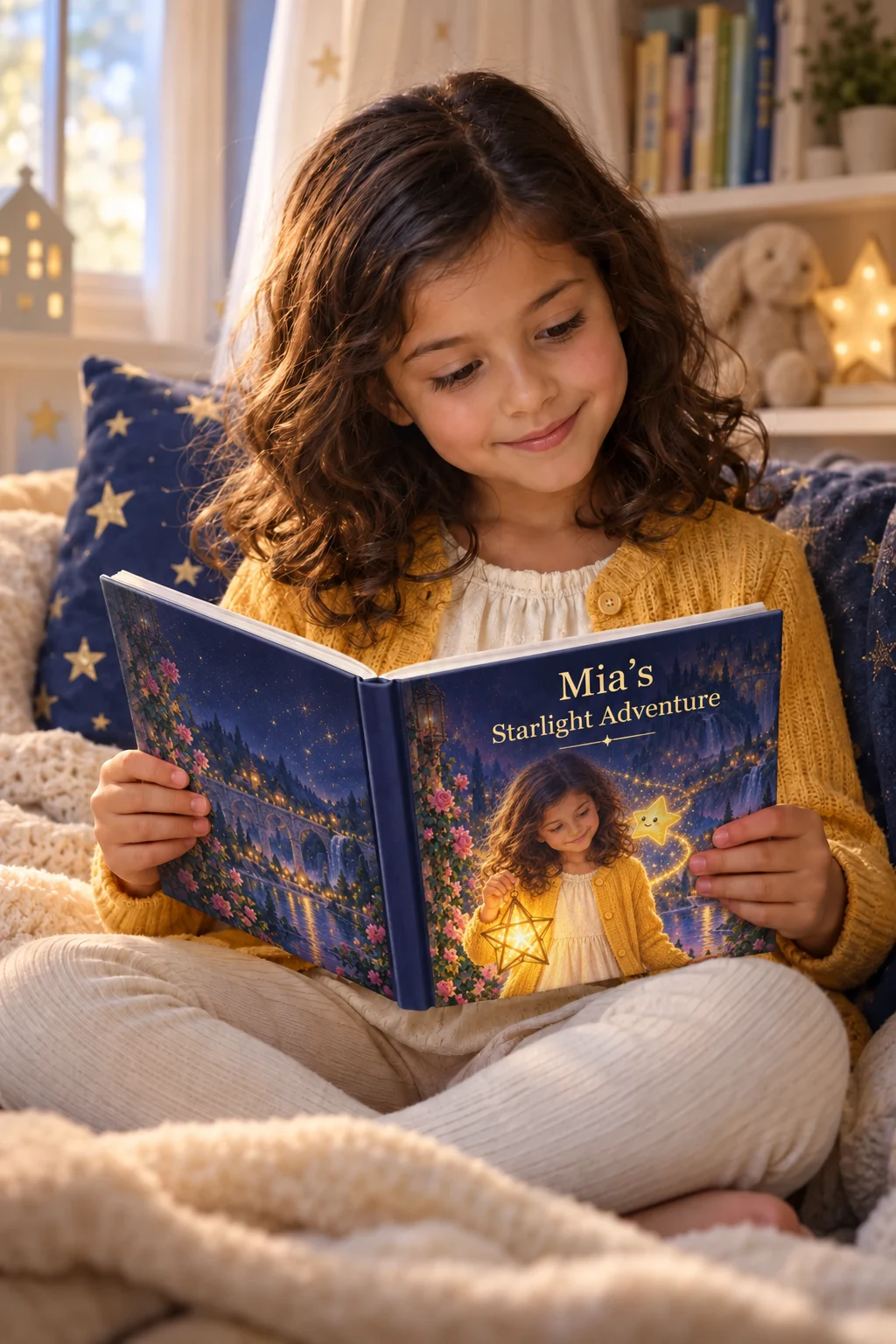
Fictional demonstration: Mia. Your own book is created from your chosen photos and approved character.