

A photograph of a child is not something to hand over lightly. Before you upload one anywhere, you should know why it is needed, where it goes and how long it is kept. These are our answers.
What the photographs are used for
The photographs are used only to create your order: the illustrated character and the pictures in your book. They are not used for marketing and they are not used to train AI models.
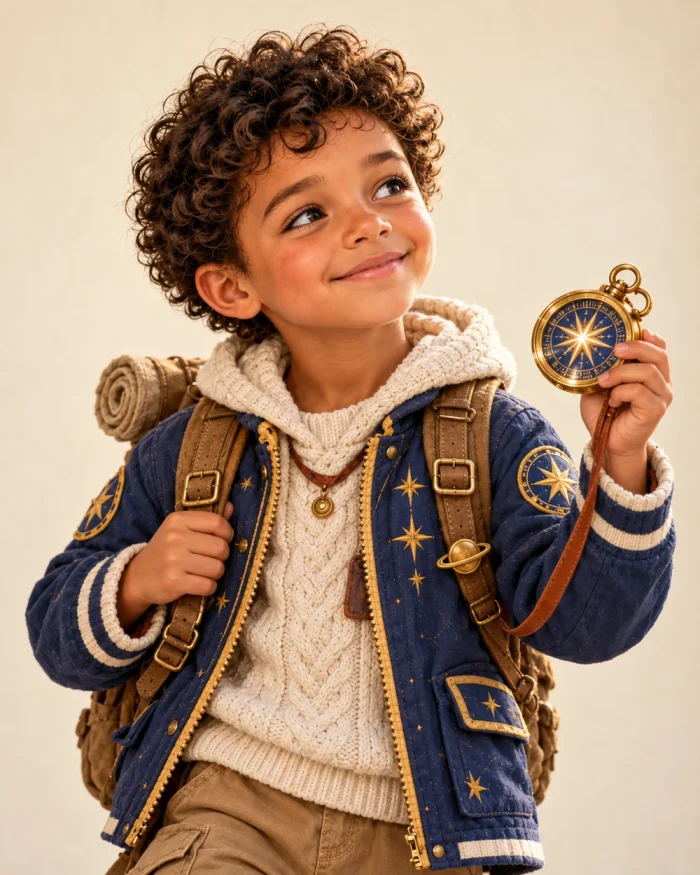
The children shown on our site, Mia and Leo, are fictional examples created for demonstration. We do not show customers’ children.


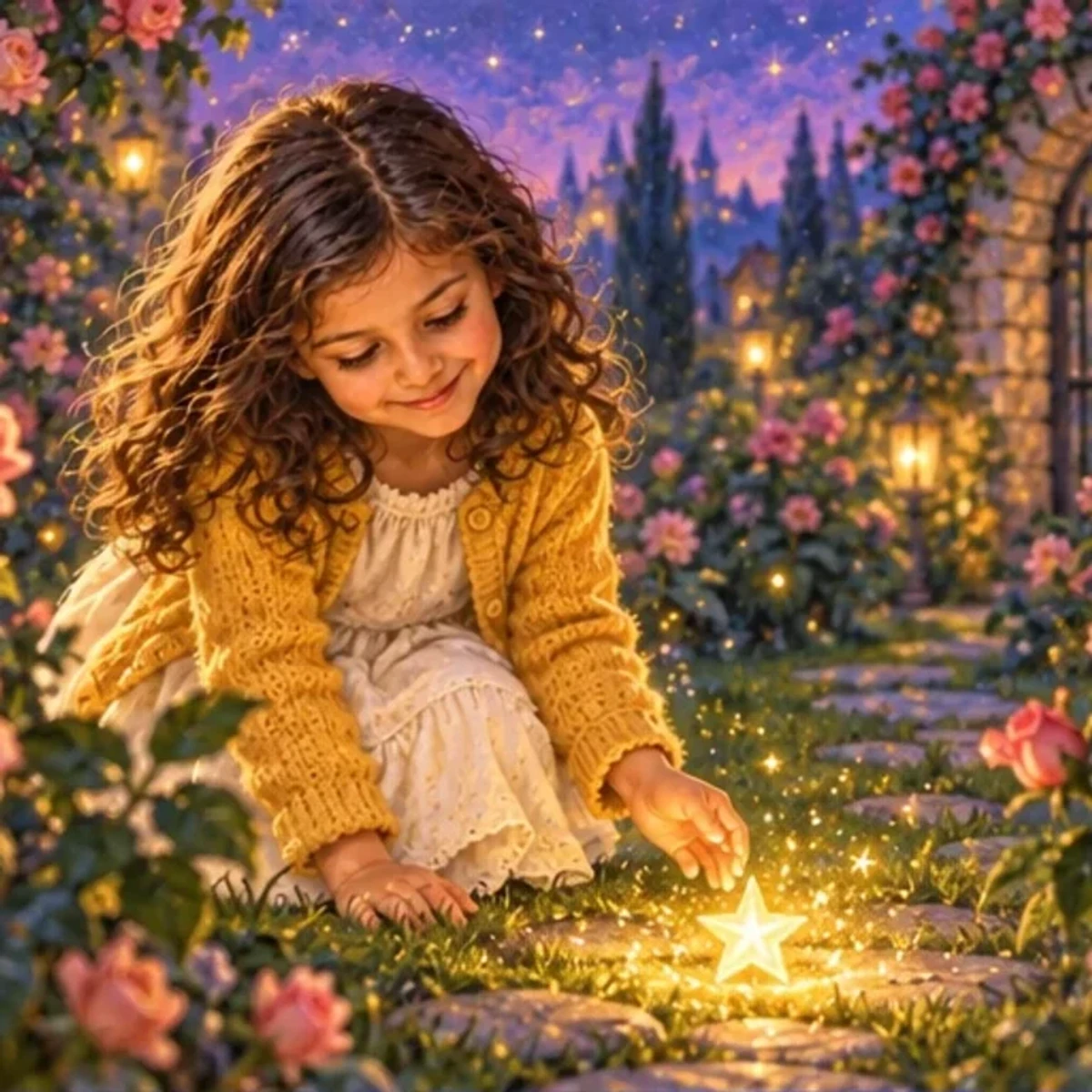
Fictional demonstration: Mia. Your own book is created from your chosen photos and approved character.
How the illustrations are made
We create the illustrations ourselves using Google’s Gemini image models through Google Cloud, under Google Cloud’s data processing terms. Google does not use the photographs to train its models.
A person prepares and checks every book. You approve the character and review the finished book before anything is printed.
When the photographs are deleted
Photographs are deleted automatically 30 days after your book is printed. You can also delete them sooner from your account.
If you ask for a character preview and decide not to continue, the request and its files are removed after the period stated in the request, without you needing to do anything.
Who may upload a photograph
The request must be made by an adult who has the right to use the photographs: a parent or guardian, or someone who has their agreement. You confirm this before sending.
If you are a grandparent, godparent or friend, ask the parents first. It is their decision.
Ordering as a grandparentSend only what is needed
Two to five clear pictures are enough. There is no advantage in sending more, and you do not need pictures that show other people.
A sharp, well-lit face does more for the illustration than a large number of photographs.
How to choose the photographsA few helpful answers
Will my child’s picture appear on your site or in adverts?
No. Customer photographs and books are private and are not used for marketing.
Can I delete the photographs myself?
Yes. After the book is printed you can delete them from your account; otherwise they are deleted automatically 30 days after printing.
Where can I read the full details?
In the privacy policy linked at the bottom of every page, which explains what is stored, where and for how long.
See what makes their book personal
Follow the same fictional child from the starting photo to the illustrated character, their adventure and the finished book. Choose a style, then start your own.
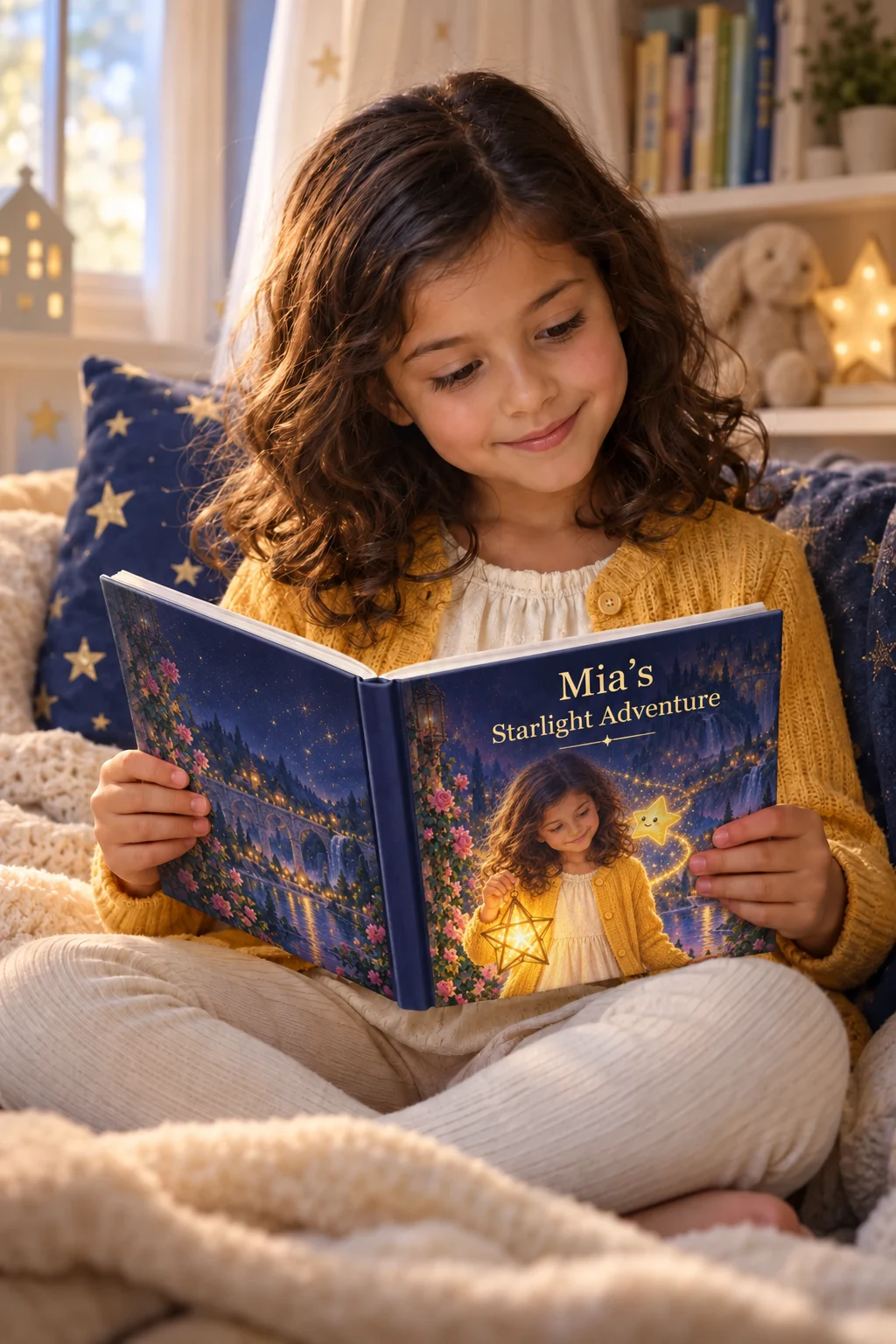
Fictional demonstration: Mia. Your own book is created from your chosen photos and approved character.